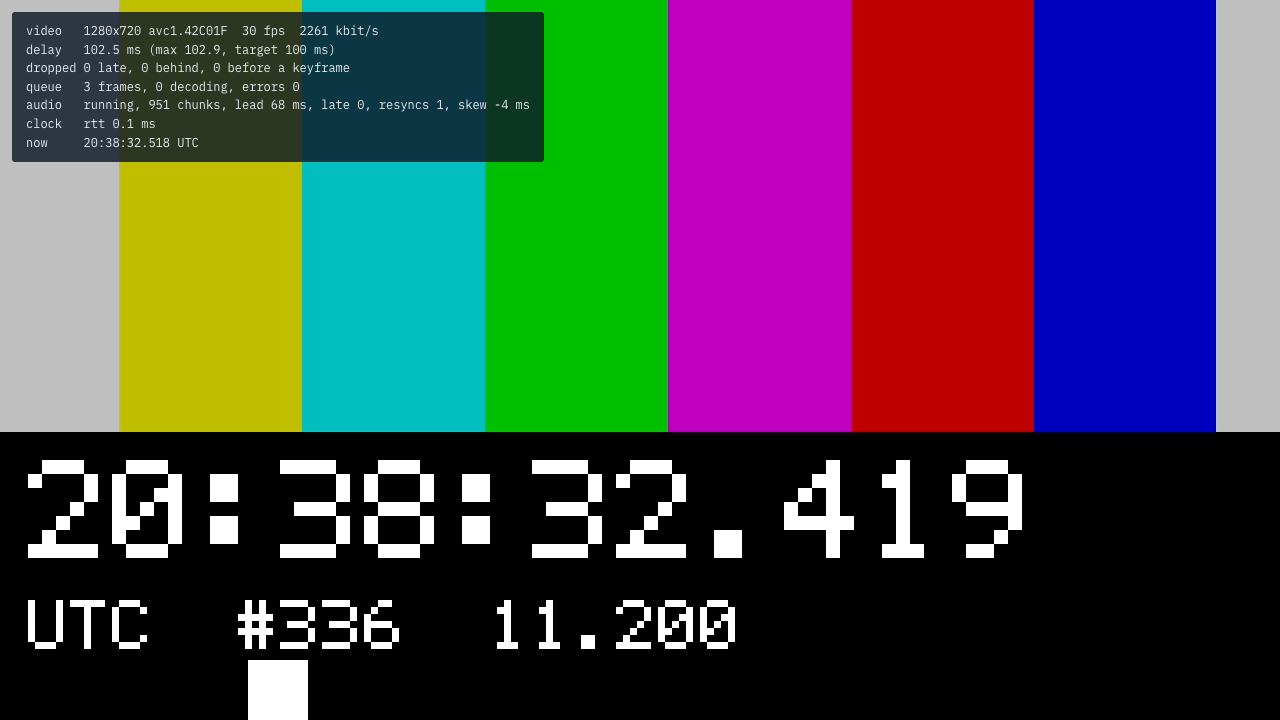
Latency
For development: how far the TV runs behind the source, and how to measure it.
18.1The test pattern
$ tvpipe test-pattern --to TV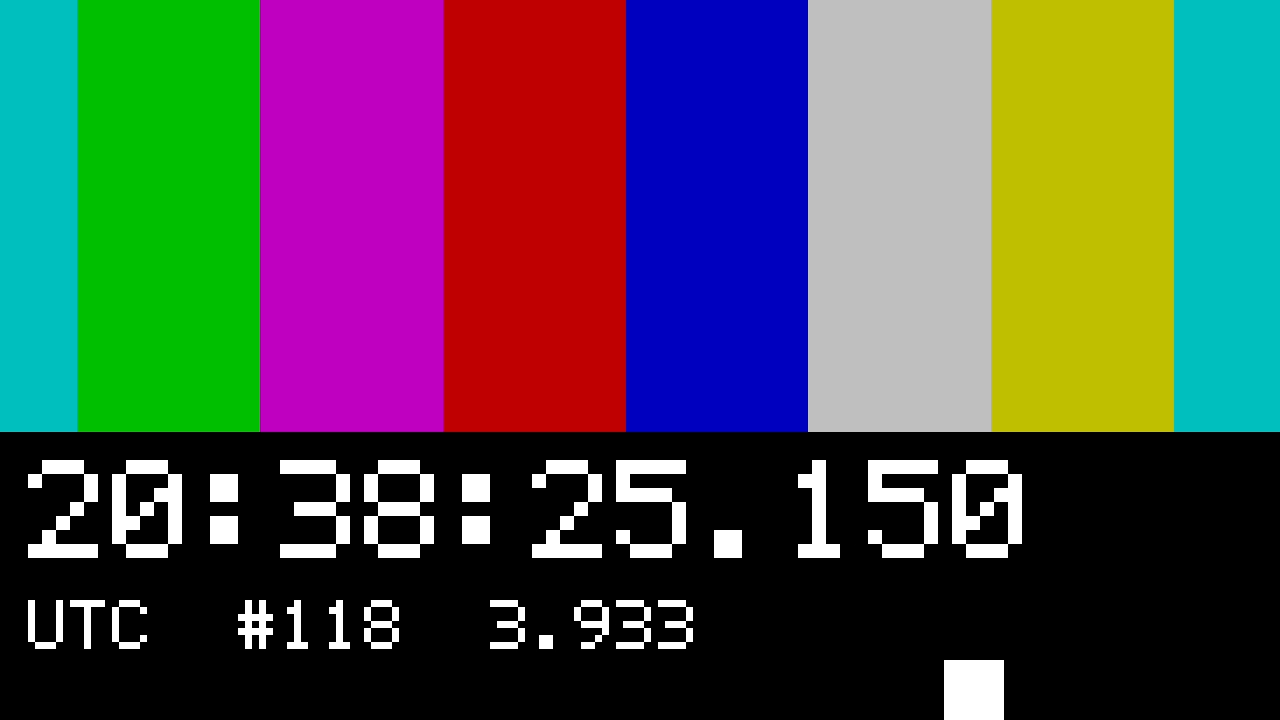
18.2Measuring
- Stream the test pattern to the TV.
- Put a clock with milliseconds next to it, for example on the computer’s screen.
- Photograph both. The difference between the clocks is the delay.
Phones stamp photos late. Photograph a millisecond clock on its own first and subtract that offset.
18.3Playout delay
--latency sets how long receivers wait before they show a frame, from 5 to 2000 ms. It is the same on every receiver of a session.
| Receivers | Default |
|---|---|
| AirPlay | video 100 ms, audio 170 ms |
| Cast | 300 ms |
| AirPlay and Cast | 300 ms |
| Browser only | 100 ms |
Lower values drop frames on busy Wi-Fi.
18.4Player statistics
Press S on the player page for its statistics.